Which AI video model to use for every type of ad (Full guide)
Ori Silver
·
Co-founder, Maxfusion AI
·
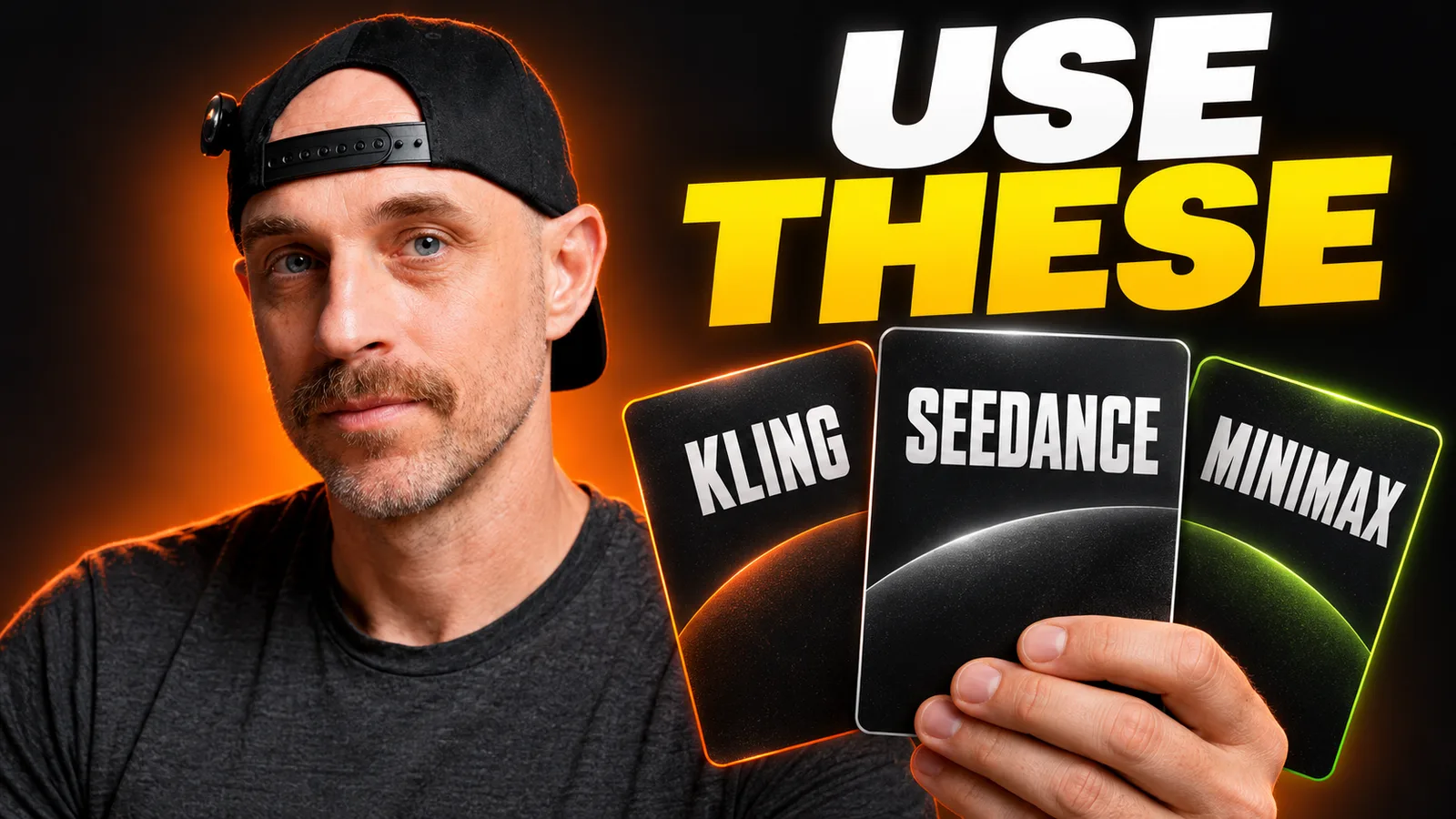
Many teams run out of credits in the first week of the month and have to top up, sometimes more than once, even though they aren’t making more ads than the month before.
Most of the time the reason is the same: your editors are using the wrong AI models for the wrong jobs. Each editor has their own workflow and habits, and many of them choose the model they feel does the best job. In most cases, that’s also the most expensive one.
We analyzed thousands of generations made on Maxfusion AI by creative agencies and DTC brands producing real ads, including their prompts and their outputs.
These are the best AI models to use for each ad format
Ad format | Model to use |
|---|---|
AI UGC | Gemini Omni Flash, with Seedance 2.5 or Seedance 2.0 as the backup |
Podcast ads | Gemini Omni Flash, Seedance 2.0 or Seedance 2.5 |
Claymation | Minimax H3 Max or Gemini Omni Flash |
Pixar-style ads | Seedance 2.5 or Seedance 2.0, with Kling 3.0 or Seedance 2.0 mini as cheaper options |
Singing ads | Minimax H3 Max, Seedance 2.0 or Seedance 2.5, with Seedance 2.0 mini as the cheaper option |
Zack D-style ads | Kling 3.0 or Seedance 2.0 |
Talking-object ads | Gemini Omni Flash or Seedance 2.0, with Kling 3.0 for B-roll |
Why the wrong model wastes credits
Every AI model is good at some things and bad at others. Editors often pick models out of habit, inexperience or a guide they once read, and that alone costs you thousands of credits a month.
AI UGC: Gemini Omni Flash, Seedance 2.5 or Seedance 2.0
Gemini Omni Flash is the default for AI UGC. It’s cheaper than Seedance, it gives the most realistic people, and it stays consistent with speech. It’s the model behind a lot of the winning UGC ads we see on the platform.
Seedance 2.5 or 2.0 is the realistic backup. Many of the successful ads we see are made with Seedance, and its reasoning is very strong. The downside is that it’s the most expensive.
How to work with Omni
1. Start from a strong reference image. The reference image affects the result more than the prompt does. Don’t generate the reference from scratch with Nano Banana Pro or GPT Image 2.5. Use a real one: find a real video on TikTok or Pinterest, take a frame from it, and replace the person with your avatar. You can do this with Banana Clone or by reverse prompting the image. Use the result as the base frame for the video.
2. Keep the prompt simple. Omni works well until you give it too much information. Describe the person, the setting and what they say, and stop there.
3. Show actions with images. If the person needs to pick up the product or hold it to the camera, attach two or three reference images of that action instead of describing it.
Podcast ads: Gemini Omni Flash, Seedance 2.0 or Seedance 2.5
Podcast ads usually fail on the voice. If the host sounds slightly different in every clip, the viewer notices. Gemini Omni Flash stays consistent with speech from one clip to the next, and Seedance 2.0 or Seedance 2.5 are the realistic options when you need a shot Omni can’t pull off.
How to work with them
1. Generate the host and guest images first, so both people look the same in every clip. Use the same method as for AI UGC: find a podcast clip on TikTok or images on Pinterest, replace the people with your avatars, and make sure each person keeps the same position (looking left or right) across shots.
2. Write the voice into the prompt. Give the accent, the pacing and filler words, and copy the same voice description word for word into every prompt so it doesn’t drift. Write the delivery and the conversation like a real podcast. Claude or Codex won’t give you good podcast scripts, so write them yourself.
3. Don’t use Kling 3.0 for podcasts. Its lip sync is very bad, and you’ll need a lot of cuts to make it work.
Important note: some teams used Veo 3.1 for podcasts, but that model is being deprecated at the end of the month.
Claymation: Minimax H3 Max or Gemini Omni Flash
Minimax H3 Max and Gemini Omni Flash both work well for claymation, and both are on the cheaper side.
How to work with Minimax
1. Make the whole voiceover first. You can do this through the MCP and generate the entire script in one go. Use ElevenLabs V4 or V3 with emotion tags for the best results.
2. Make a timing map for the B-roll that maps what is said in each clip. Minimax takes a maximum of fifteen seconds per clip.
3. Slice the voiceover and attach each slice as the audio reference, so Minimax gets the pacing of every scene right.
4. Use one storyboard image as the visual reference. Put several shots of the scene in one image and let Minimax animate through them.
If you use Google Omni Flash, you can follow a similar path, or generate the entire speech inside the clip and then use the voice fix to make the voice consistent. See the full guide for the voice fix here.
Most used image model for claymation ads
The best-looking claymation we see is Nano Banana 2 images animated with Google Omni or Seedance.
Pixar-style ads: Seedance 2.5 or Seedance 2.0
Seedance 2.5 and Seedance 2.0 give the best quality for Pixar-style animation, and you can build a full ad from a character sheet alone. If the budget is tight, Kling 3.0 or Seedance 2.0 mini can pull the look off too.
How to work with Seedance
1. Build a character sheet and environment sheets first, and tag them in every prompt so the character looks the same in every scene. For the best way to create character sheets, read about it here.
2. Seedance 2.5 is great for multi-shot and cinematic scenes, especially in animation, so you can give it complex prompts and it will pull off most of them.
3. Explore in draft mode. Run cheap 480p drafts first and only render the version you like in full. Draft runs are available everywhere on Maxfusion: the studio, workflows and the MCP.
Singing ads: Minimax H3 Max, Seedance 2.0 or Seedance 2.5
For singing ads, use Minimax H3 Max, Seedance 2.0 or Seedance 2.5. All three let you attach the song itself as the audio reference, so the character’s lips follow the lyrics and their movement follows the beat. For a cheaper option, use Seedance 2.0 mini.
How to work with it
We released a two-part master class on making singing ads, covering the short form and the long drama form. You can read about them here and here.
You can also watch the full video here.

Zack D-style ads: Kling 3.0 or Seedance 2.0
A Zack D-style ad moves from one story moment to the next. Kling 3.0 and Seedance 2.0 both handle that well: you give the model a start frame and an end frame, and it animates cleanly between the two.
How to work with it
1. Generate the key statics first, one for each important moment in the story.
2. Animate each clip from one static to the next, using them as the start and end frames.
3. End every clip on the frame the next clip starts from, so the cuts don’t show.
Talking-object ads: Gemini Omni Flash or Seedance 2.0, with Kling 3.0 for B-roll
Use Gemini Omni Flash or Seedance 2.0 for the shots where the object talks, because both handle speech and lip sync well. Use Kling 3.0 for the B-roll, where nobody talks.
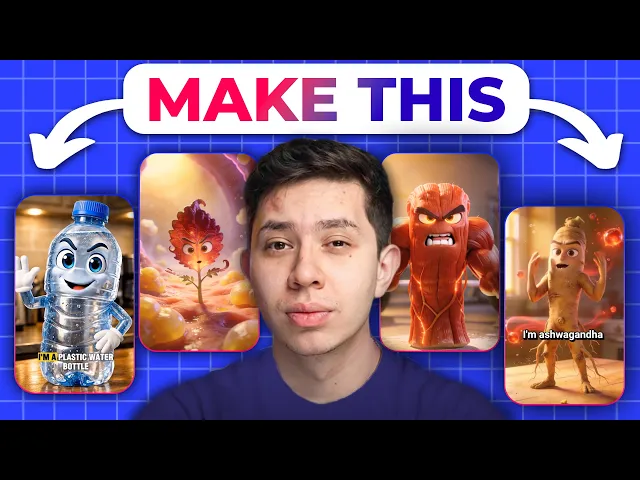
If you want to nail the talking-objects format, watch this video:
Quick reference
Ad type | Model | Why |
|---|---|---|
AI UGC | Gemini Omni Flash (Seedance 2.5 or 2.0 as backup) | Omni is realistic, cheaper and consistent with speech; Seedance is strong but the most expensive |
Podcast | Gemini Omni Flash, Seedance 2.0 or 2.5 (not Kling 3.0) | Consistent voice across clips; Kling’s lip sync is very bad for podcasts |
Claymation | Minimax H3 Max or Gemini Omni Flash (images: Nano Banana 2) | Both on the cheaper side |
Pixar style | Seedance 2.5 or 2.0 (cheaper: Kling 3.0, Seedance 2.0 mini) | Best quality; Seedance 2.5 handles complex multi-shot prompts |
Singing | Minimax H3 Max, Seedance 2.0 or 2.5 (cheaper: Seedance 2.0 mini) | Song as the audio reference for lip sync |
Zack D style | Kling 3.0 or Seedance 2.0 | Clean animation between start and end frames |
Talking objects | Gemini Omni Flash or Seedance 2.0, Kling 3.0 for B-roll | Speech on Omni or Seedance, B-roll on Kling |
Every model in this guide is available on Maxfusion AI, so your team can switch models per ad type in one place.
" height="57.25593113035147px" id="pFbN4t6nI" transform="translate(73 0)" width="138.9190010986328px"/><path d="M 58.958 24.529 L 67.611 12.149 L 59.372 0.274 L 64.067 0.274 L 70.234 9.479 L 76.217 0.274 L 80.774 0.274 L 72.58 12.287 L 81.37 24.529 L 76.723 24.529 L 70.003 15.279 L 63.375 24.529 L 58.957 24.529 Z M 44.566 24.809 C 43.479 24.811 42.396 24.671 41.345 24.394 C 40.359 24.1 39.426 23.649 38.583 23.059 C 37.789 22.45 37.131 21.682 36.65 20.804 C 36.19 19.884 35.96 18.824 35.96 17.628 C 35.96 16.248 36.205 15.082 36.696 14.13 C 37.218 13.18 37.908 12.427 38.768 11.875 C 39.627 11.323 40.624 10.924 41.759 10.679 C 42.924 10.43 44.112 10.306 45.303 10.31 L 52.437 10.31 C 52.437 8.93 52.237 7.733 51.838 6.72 C 51.47 5.708 50.857 4.926 49.998 4.373 C 49.138 3.79 48.003 3.499 46.592 3.499 C 45.786 3.493 44.982 3.585 44.198 3.775 C 43.462 3.959 42.833 4.251 42.311 4.649 C 41.79 5.049 41.406 5.585 41.161 6.26 L 36.972 6.26 C 37.187 5.156 37.602 4.22 38.215 3.453 C 38.848 2.664 39.63 2.008 40.516 1.52 C 41.436 0.998 42.419 0.615 43.462 0.37 C 44.487 0.126 45.538 0.002 46.592 0 C 50.09 0 52.575 1.029 54.048 3.085 C 55.52 5.14 56.257 7.917 56.257 11.415 L 56.257 24.532 L 52.989 24.532 L 52.759 21.448 C 52.084 22.368 51.271 23.075 50.319 23.565 C 49.397 24.047 48.402 24.373 47.374 24.532 C 46.449 24.711 45.509 24.803 44.566 24.808 Z M 44.935 21.356 C 46.469 21.356 47.788 21.111 48.893 20.62 C 50.028 20.098 50.903 19.347 51.516 18.365 C 52.13 17.383 52.436 16.186 52.436 14.775 L 52.436 13.578 L 48.156 13.578 C 47.144 13.578 46.146 13.593 45.165 13.624 C 44.183 13.654 43.293 13.778 42.495 13.992 C 41.698 14.207 41.053 14.575 40.562 15.097 C 40.102 15.618 39.872 16.37 39.872 17.352 C 39.872 18.272 40.102 19.024 40.562 19.607 C 41.053 20.19 41.682 20.635 42.449 20.942 C 43.249 21.218 44.089 21.358 44.935 21.356 Z M 0 24.532 L 0 0.277 L 3.774 0.277 L 3.958 3.177 C 4.48 2.44 5.063 1.842 5.707 1.382 C 6.381 0.922 7.128 0.58 7.917 0.369 C 8.769 0.12 9.652 -0.004 10.54 0.001 C 12.227 0.001 13.593 0.369 14.636 1.105 C 15.669 1.799 16.483 2.773 16.983 3.913 C 17.505 3.119 18.141 2.405 18.87 1.796 C 19.602 1.216 20.427 0.764 21.31 0.461 C 22.23 0.154 23.242 0.001 24.347 0.001 C 26.127 0.001 27.553 0.384 28.627 1.151 C 29.732 1.919 30.53 2.961 31.02 4.281 C 31.511 5.57 31.757 7.027 31.757 8.653 L 31.757 24.532 L 27.845 24.532 L 27.845 10.632 C 27.845 9.835 27.799 9.022 27.707 8.193 C 27.654 7.4 27.467 6.622 27.154 5.892 C 26.848 5.156 26.387 4.572 25.774 4.143 C 25.191 3.683 24.362 3.453 23.288 3.453 C 22.276 3.453 21.417 3.698 20.711 4.189 C 20.036 4.649 19.484 5.279 19.054 6.076 C 18.621 6.885 18.311 7.754 18.134 8.654 C 17.95 9.544 17.858 10.434 17.858 11.323 L 17.858 24.532 L 13.945 24.532 L 13.945 10.586 C 13.945 9.819 13.899 9.022 13.807 8.193 C 13.755 7.405 13.584 6.629 13.301 5.892 C 13.076 5.183 12.623 4.568 12.012 4.143 C 11.429 3.683 10.616 3.453 9.573 3.453 C 8.1 3.453 6.95 3.883 6.121 4.741 C 5.293 5.57 4.71 6.598 4.372 7.825 C 4.07 8.982 3.916 10.173 3.912 11.369 L 3.912 24.532 Z" fill="rgb(21, 22, 27)" height="24.80901853219235px" id="Dy5HPNSvH" transform="translate(0 18.5)" width="81.37000073242189px"/></g></svg>)
" height="32px" id="VmykzZzNe" width="32px"/></svg>)
" height="30.633213969252477px" id="w5KefWMGh" transform="translate(0 1)" width="32px"/></svg>)
" height="32px" id="KxxfrbxU7" width="32px"/></g></svg>)
" height="22.41686631528509px" id="wfz7J8dwQ" transform="translate(0 5)" width="32px"/></svg>)
" height="57.25593113035147px" id="ZNNxR3481" transform="translate(73 0)" width="138.9190010986328px"/><path d="M 58.958 24.529 L 67.611 12.149 L 59.372 0.274 L 64.067 0.274 L 70.234 9.479 L 76.217 0.274 L 80.774 0.274 L 72.58 12.287 L 81.37 24.529 L 76.723 24.529 L 70.003 15.279 L 63.375 24.529 L 58.957 24.529 Z M 44.566 24.809 C 43.479 24.811 42.396 24.671 41.345 24.394 C 40.359 24.1 39.426 23.649 38.583 23.059 C 37.789 22.45 37.131 21.682 36.65 20.804 C 36.19 19.884 35.96 18.824 35.96 17.628 C 35.96 16.248 36.205 15.082 36.696 14.13 C 37.218 13.18 37.908 12.427 38.768 11.875 C 39.627 11.323 40.624 10.924 41.759 10.679 C 42.924 10.43 44.112 10.306 45.303 10.31 L 52.437 10.31 C 52.437 8.93 52.237 7.733 51.838 6.72 C 51.47 5.708 50.857 4.926 49.998 4.373 C 49.138 3.79 48.003 3.499 46.592 3.499 C 45.786 3.493 44.982 3.585 44.198 3.775 C 43.462 3.959 42.833 4.251 42.311 4.649 C 41.79 5.049 41.406 5.585 41.161 6.26 L 36.972 6.26 C 37.187 5.156 37.602 4.22 38.215 3.453 C 38.848 2.664 39.63 2.008 40.516 1.52 C 41.436 0.998 42.419 0.615 43.462 0.37 C 44.487 0.126 45.538 0.002 46.592 0 C 50.09 0 52.575 1.029 54.048 3.085 C 55.52 5.14 56.257 7.917 56.257 11.415 L 56.257 24.532 L 52.989 24.532 L 52.759 21.448 C 52.084 22.368 51.271 23.075 50.319 23.565 C 49.397 24.047 48.402 24.373 47.374 24.532 C 46.449 24.711 45.509 24.803 44.566 24.808 Z M 44.935 21.356 C 46.469 21.356 47.788 21.111 48.893 20.62 C 50.028 20.098 50.903 19.347 51.516 18.365 C 52.13 17.383 52.436 16.186 52.436 14.775 L 52.436 13.578 L 48.156 13.578 C 47.144 13.578 46.146 13.593 45.165 13.624 C 44.183 13.654 43.293 13.778 42.495 13.992 C 41.698 14.207 41.053 14.575 40.562 15.097 C 40.102 15.618 39.872 16.37 39.872 17.352 C 39.872 18.272 40.102 19.024 40.562 19.607 C 41.053 20.19 41.682 20.635 42.449 20.942 C 43.249 21.218 44.089 21.358 44.935 21.356 Z M 0 24.532 L 0 0.277 L 3.774 0.277 L 3.958 3.177 C 4.48 2.44 5.063 1.842 5.707 1.382 C 6.381 0.922 7.128 0.58 7.917 0.369 C 8.769 0.12 9.652 -0.004 10.54 0.001 C 12.227 0.001 13.593 0.369 14.636 1.105 C 15.669 1.799 16.483 2.773 16.983 3.913 C 17.505 3.119 18.141 2.405 18.87 1.796 C 19.602 1.216 20.427 0.764 21.31 0.461 C 22.23 0.154 23.242 0.001 24.347 0.001 C 26.127 0.001 27.553 0.384 28.627 1.151 C 29.732 1.919 30.53 2.961 31.02 4.281 C 31.511 5.57 31.757 7.027 31.757 8.653 L 31.757 24.532 L 27.845 24.532 L 27.845 10.632 C 27.845 9.835 27.799 9.022 27.707 8.193 C 27.654 7.4 27.467 6.622 27.154 5.892 C 26.848 5.156 26.387 4.572 25.774 4.143 C 25.191 3.683 24.362 3.453 23.288 3.453 C 22.276 3.453 21.417 3.698 20.711 4.189 C 20.036 4.649 19.484 5.279 19.054 6.076 C 18.621 6.885 18.311 7.754 18.134 8.654 C 17.95 9.544 17.858 10.434 17.858 11.323 L 17.858 24.532 L 13.945 24.532 L 13.945 10.586 C 13.945 9.819 13.899 9.022 13.807 8.193 C 13.755 7.405 13.584 6.629 13.301 5.892 C 13.076 5.183 12.623 4.568 12.012 4.143 C 11.429 3.683 10.616 3.453 9.573 3.453 C 8.1 3.453 6.95 3.883 6.121 4.741 C 5.293 5.57 4.71 6.598 4.372 7.825 C 4.07 8.982 3.916 10.173 3.912 11.369 L 3.912 24.532 Z" fill="rgb(41, 42, 47)" height="24.80901853219235px" id="MB0beBzDo" transform="translate(0 18.5)" width="81.37000073242189px"/></g></svg>)